How to Write an Incident Response Runbook (With Templates)
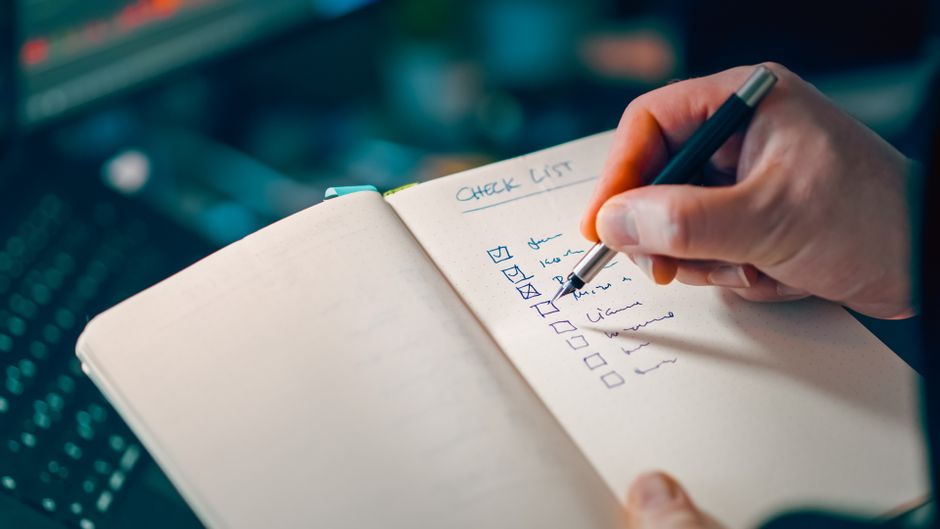
Most incident runbooks fall into two failure modes. They are too long (a thirty-page wiki that no on-call engineer will read at 3am), or they are too vague (a one-liner that says 'check the logs'). The runbooks that actually get used during incidents follow a tight structure with concrete commands and clear decision points. This guide covers the structure that works, with three templates you can copy for your most common incident types.
What a runbook is and what it is not
A runbook is a checklist for a known incident type. It is not a wiki page about the system, not an architecture diagram, not a postmortem template. The reader is an on-call engineer who is tired, possibly half asleep, and needs to do the right thing in the next ten minutes.
If your runbook explains how the system works, it is too long. If it does not name specific commands and specific decision points, it is too vague. The right size for a single runbook is roughly one screen of content. If you need more, split it.
The five-part structure that works
Five sections cover what an on-call engineer needs. Use this structure for every runbook in your collection.
- Symptom: what the alert looks like. Quote the actual alert text. The engineer should recognise this in seconds.
- Impact: who is affected and how. Customer-facing? Internal? Just monitoring noise? Sets the urgency.
- Diagnostics: the three commands or links that confirm the diagnosis. Not 'check the logs', but 'kubectl logs -n prod web-deployment -c app'.
- Remediation: the specific commands or actions to fix it. Numbered, idempotent, safe to retry.
- Escalation: who to wake up if the remediation does not work. Name and phone number.
Template: a database connection saturation runbook
Most common production incident type. The database connection pool is full, new requests time out, monitoring fires elevated-latency alerts.
Symptom: 'p95 response time above 5 seconds on /api/health'. Impact: customer-facing API endpoints time out. Diagnostics: kubectl exec into the app pod and run pg_stat_activity. Look for long-running queries. Remediation: cancel the longest-running queries with pg_cancel_backend, scale the pool size by 20% with helm upgrade, restart the affected pods. Escalation: page the database lead if pool is still saturated after 10 minutes.
Template: an SSL certificate expiry runbook
Predictable, preventable, and still happens to almost every team eventually. The runbook is short because the answer is short.
- Symptom: SSL monitor fires with 'expires in 7 days' or 'expired'.
- Impact: every browser shows the red warning page once the cert lapses. Conversion goes to zero.
- Diagnostics: run `echo
- openssl s_client -servername DOMAIN -connect DOMAIN:443 2>/dev/null
- openssl x509 -noout -dates` to see the current cert's notAfter date.
- Remediation: run the renewal script manually (`certbot renew --force-renewal` or equivalent), then reload nginx/the load balancer. Verify with the same openssl command.
- Escalation: page DevOps if certbot fails. The cert needs to be renewed manually before expiry.
Template: an upstream provider outage runbook
When a third-party dependency (Stripe, Postmark, S3, an auth provider) is the actual outage, your job is to recognise it, communicate it, and not waste time debugging your own code.
Symptom: the relevant feature is failing, your own monitors are otherwise green. Diagnostics: open the provider's status page in a new tab. Search recent commits for any changes to the integration. Remediation: post an update to your own status page acknowledging the upstream incident, with a link to the provider's status page. Disable the feature behind a feature flag if degradation is severe. Escalation: only if degradation lasts more than an hour without acknowledgement from the upstream provider.
Where to keep them and how to keep them current
Keep the runbooks in the same git repository as the application code. Link them from the alert message itself. Review them after every incident: if the runbook was wrong, update it now while the incident is fresh. A runbook that has not been updated in a year is probably no longer accurate. Schedule a quarterly review of the runbook collection. Delete the ones that no longer apply. Add the new ones. Treat them like code.
Try MonitorAH free
Three monitors, alerts in under a minute, no credit card. Cover one website and one cron job in the time it takes to read this paragraph.
Start monitoringRelated articles

How to Set Up Slack Alerts When Your Website Goes Down
How to wire Slack alerts to your uptime monitor without flooding the channel, with the routing rules that actually work.

How to Set Up Signed Webhook Alerts From a Monitoring Tool
How to receive webhook alerts from your monitoring tool, verify the HMAC signature, and integrate with PagerDuty or your own system.